YÊU CẦU TƯ VẤN SẢN PHẨM
Để được tư vấn nhanh, vui lòng liên hệ Hotline/Zalo: +84 382.933.658

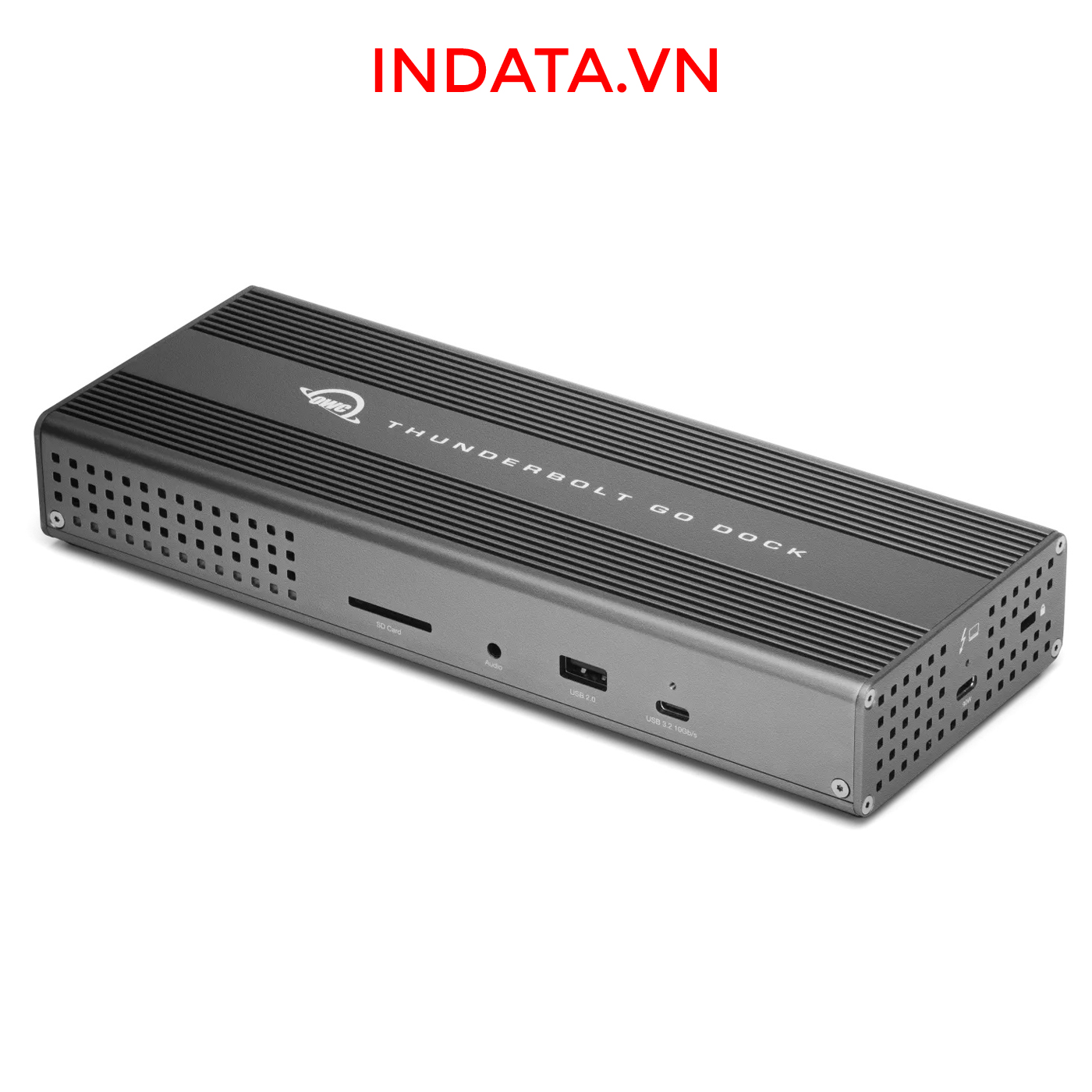
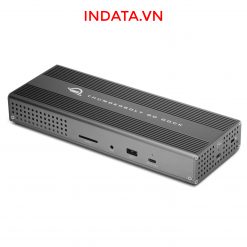
The first full-featured Thunderbolt dock with a built-in power supply. Go anywhere + connect more than bus-powered docks!
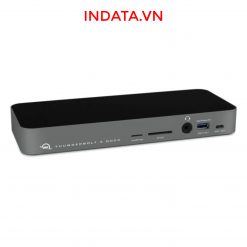
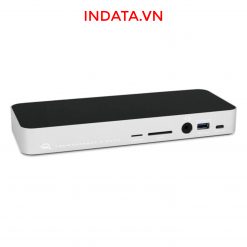
OWC Thunderbolt Go Dock kết nối Thunderbolt 4, USB 3.2, HDMI, LAN 2.5GbE, 3.5mm Audio
Get ahead at work and play by connecting an incredible array of past, present, and future Thunderbolt and USB devices and accessories to the Thunderbolt Go Dock. Tap into high-performance storage capacity including NVMe solutions. Record and livestream with an A/V mixer. Expand your capabilities with a PCIe expansion enclosure. Enjoy the feel of your favorite keyboard and mouse. Nearly any connectivity need you have or want is possible with a diversity of Thunderbolt and USB ports.

Enjoy an assured optimal computing experience when you pair the Thunderbolt Go Dock with an Intel EVO certified laptop. With Thunderbolt Share, the ultimate digital KVM, you can easily share devices and content between two Thunderbolt equipped computers from one Thunderbolt port. Learn more »
While life is often full of compromises, your dock shouldn’t be. You should be able to move your workflow from the desktop to the road easily on short notice without having to choose what device or accessory to leave behind.
Connect everything you want everywhere you call a workspace easily with the OWC Thunderbolt Go Dock. Say goodbye to a heavy, bulky power adapter slowing you down. Or a bus-powered mini dock not having the complete ports you need. Simply plug the power cable of this world’s first full-featured Thunderbolt dock with a built-in power supply into a standard outlet in coffee shops, airports, vehicles, video production carts, and more to put 11 ports of connectivity empowerment at your fingertips.
Built-in power supply eliminates heavy power brick hassle while enabling more workflows vs bus-powered docks.
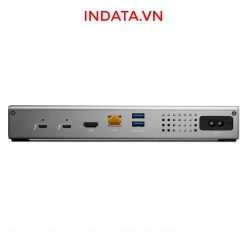
Add all the external storage, multiple displays, and accessories you need with (3) Thunderbolt 4 ports, (3) USB-A ports, and (1) USB-C port.
One dock that works with all your Thunderbolt and USB-C devices.2
Enhance network-based workflows and transfer files up to 2.5x faster than standard 1GbE.
Keep your notebook travel ready with up to 90W charging power.
Enjoy mobile connectivity with a rugged, solid aluminum heat-dissipating fanless design.
Rest assured you can keep your devices managed with Go Dock’s MDM compatibility.
2 Year OWC Limited Warranty
With the Thunderbolt Go Dock, you can turn your tablet into a full computing platform with capabilities that exceed many desktop and notebook computer setups. Now you can transform one port on your tablet into 11 ports so you can read/write SD card media, share files in a blink on a high-speed network, free up your internal storage by offloading to an external drive, and work easier with a larger external display, mouse, and full-sized keyboard. You can even turn your tablet into a desktop video, audio, or podcasting recording and editing setup. The possibilities of how you can use the Thunderbolt Go Dock to redefine your tablet computing experience are nearly limitless.
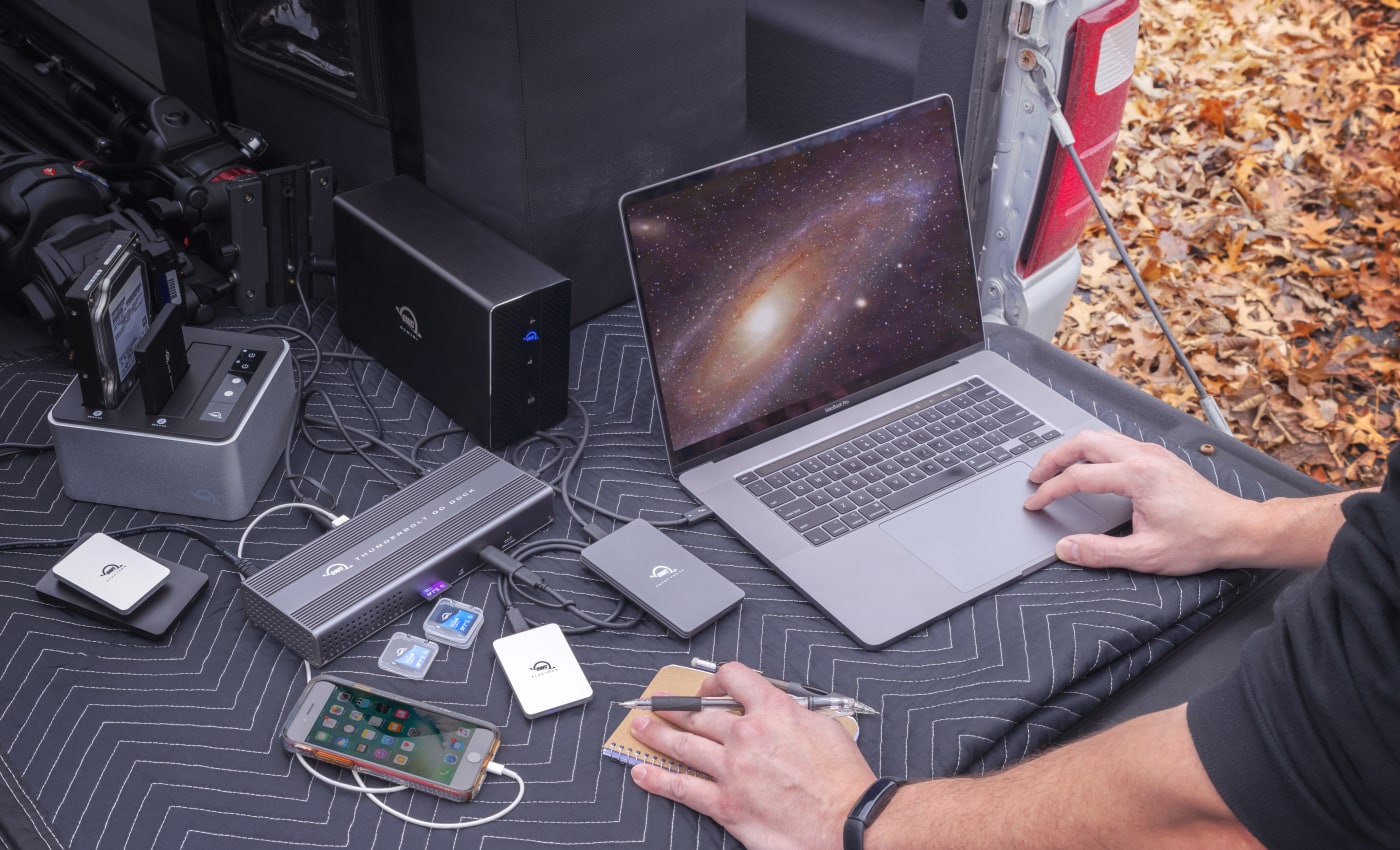
You want to connect it all and have it all work flawlessly. While bus-powered portable docks are great for most common uses, they can only provide so much power from the host computer. When you want to push your abilities to the max, the mobile ready Thunderbolt Go Dock’s built-in power supply gives you the juice you need. And it lets you take a fabulous diversity of connectivity anywhere easier by eliminating the need to carry around a pain-in-the-neck/shoulder/back power brick.

It’s a hassle trying to figure out or remember what interface your gear and computer has so you can use it all with a dock. Whether you have a Thunderbolt or USB-C Mac, PC, iPad, Chromebook, or Android device, the Thunderbolt Go Dock’s host port utilizes a USB-C connector to give you a multi-connectivity solution for millions of past, present, and future (yes even USB4!) computers and devices.1,2

As a digital nomad, hybrid employee, or creative production pro, you need to be able to expand your notebook’s single display – imagine…TWO 4K displays! – for maximum productivity at a temporary work location. With the Thunderbolt Go Dock’s Thunderbolt technology and HDMI® 2.1 port with full HDR, you can view more detail and make edits easier on up to an 8K display. Edit large format video on one 4K display while previewing the raw playback on a second 4K display. Whatever your workstation display needs, the Thunderbolt Go Dock gives you the vision to go to a higher level.3
The right dock makes all the difference and OWC designs the best Docks for about every need imaginable! We have over a decade of engineering experience providing the best in ports, reliability, and power delivery today. Whether for on your desktop, or on the road, the right OWC Dock provides you with the ports you need and connectivity you can count on.
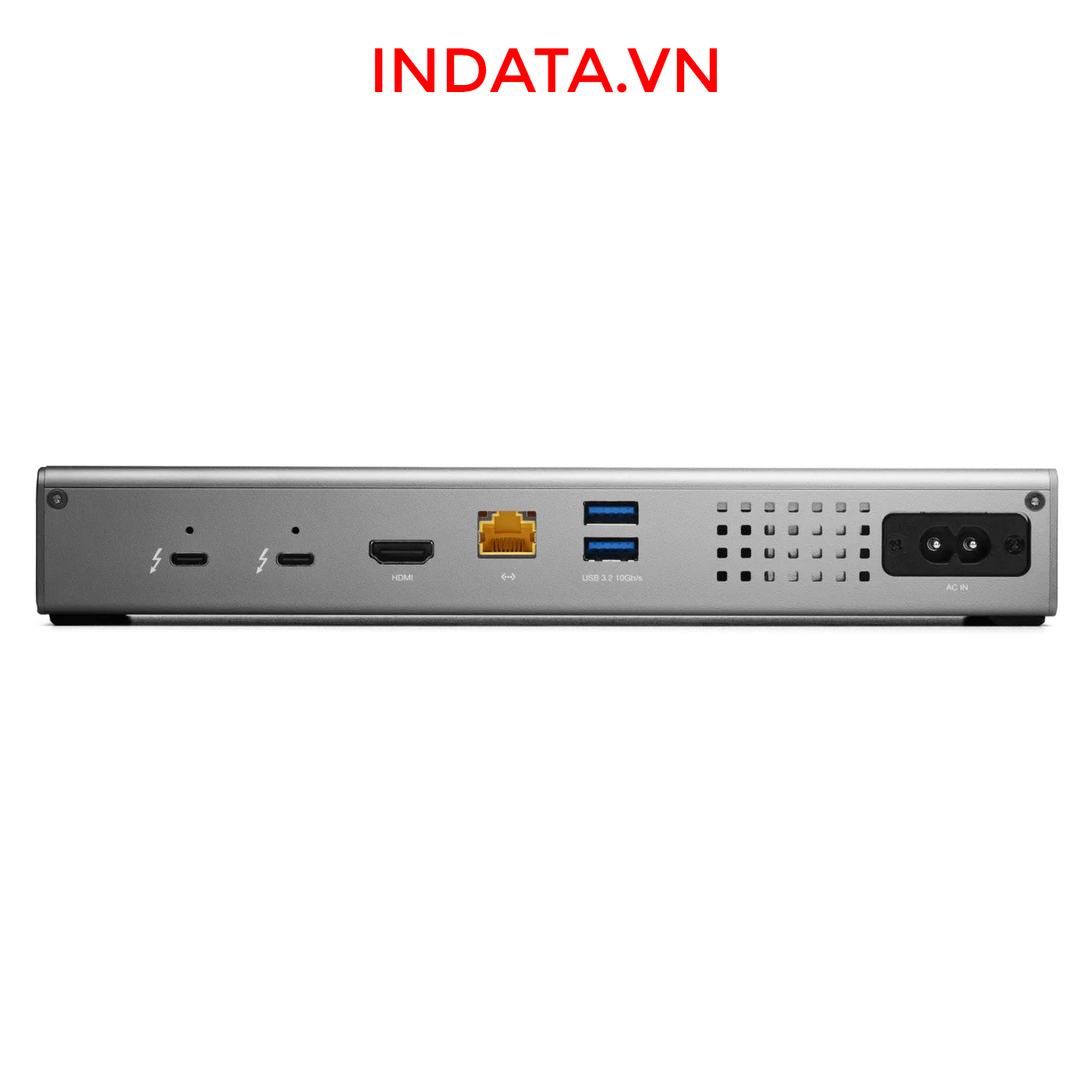
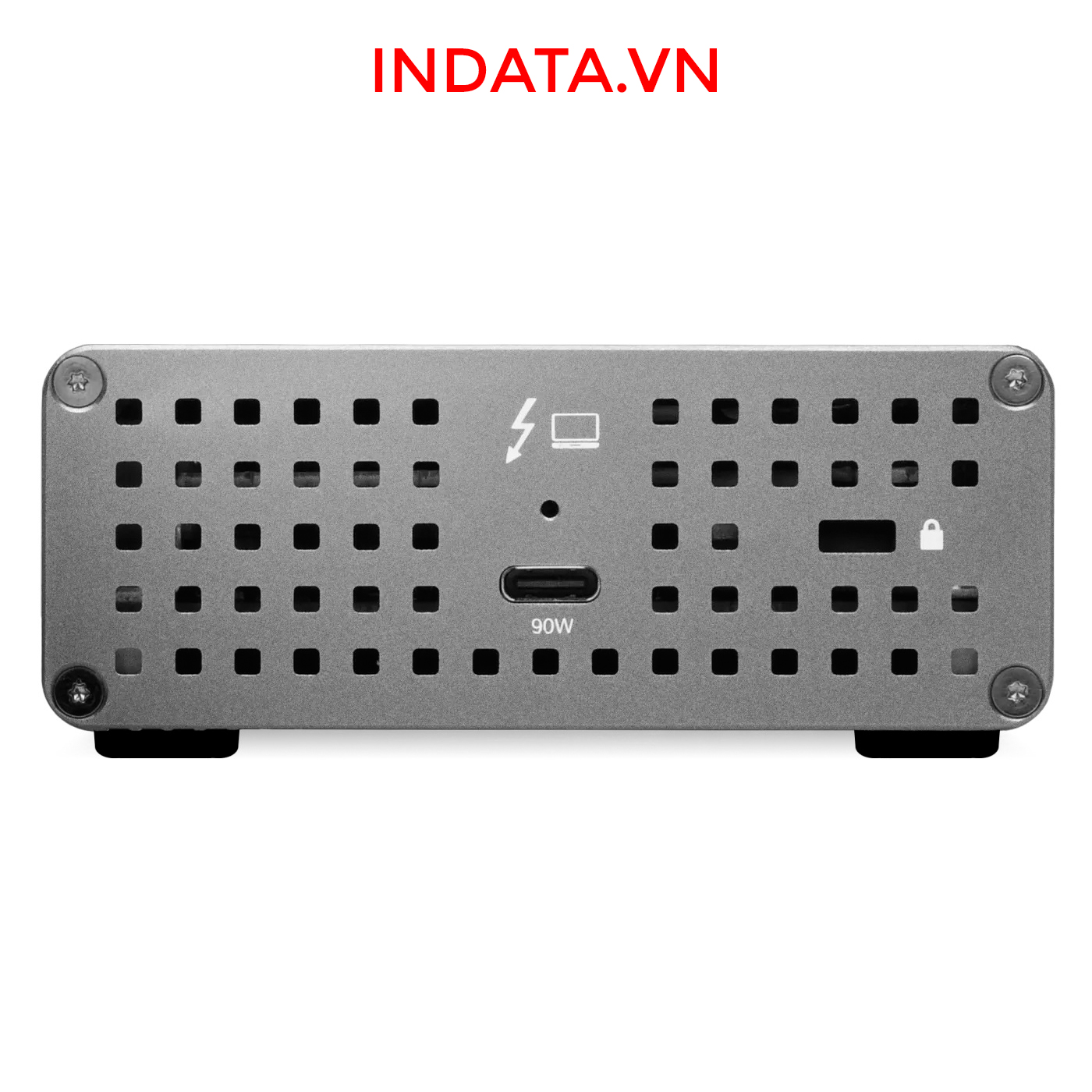
A. (3) Thunderbolt 4 (USB-C) up to 40Gb/s (5,000MB/s) + power
Expand the number of Thunderbolt ports you have available to connect more drives, displays, and accessories + charge your laptop with up to 90W of power.
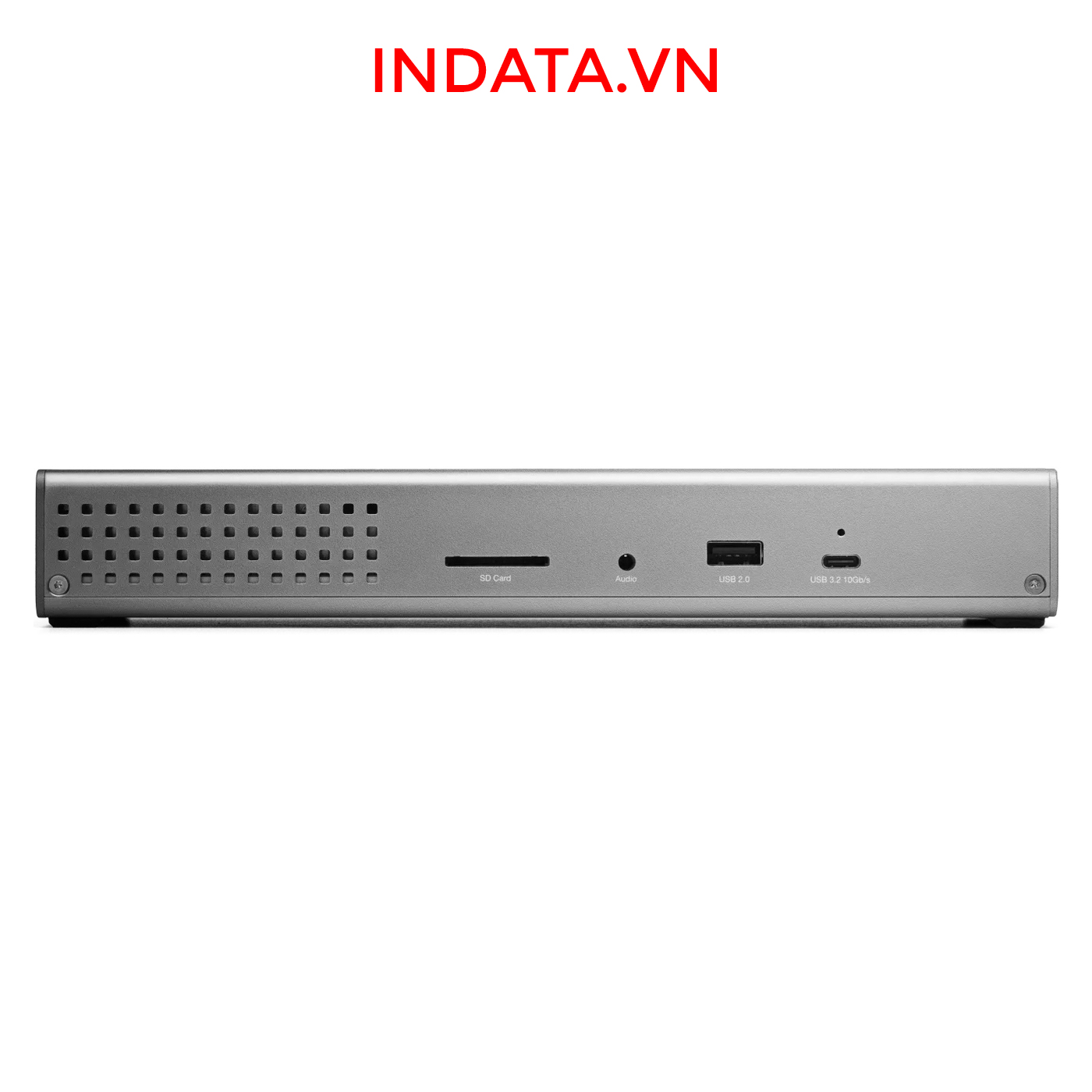
B. (1) USB-C port up to 10Gb/s (1250MB/s)
Take advantage of USB-C drives, devices, and displays.5
C. (2) USB-A ports up to 10Gb/s (1250MB/s)
Connect to any USB device from the last 10+ years with ease.
D. (1) USB 2.0 port
Charge all kinds USB devices.
E. (1) 2.5 Gigabit Ethernet port
The fastest Ethernet interface available for Thunderbolt 4.
F. (1) HDMI 2.1 port with full HDR
Connect to displays, TVs, and projectors.
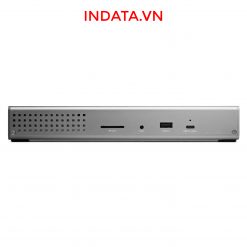
G. (1) SD card slot
Ingest photos and videos in a snap.
H. (1) 3.5mm stereo audio in/out
Connect audio sources, speakers, and headphones.
I. (1) Power plug in
A built-in power supply means a simple power cable provides all the power you need without the need for a bulky power brick.
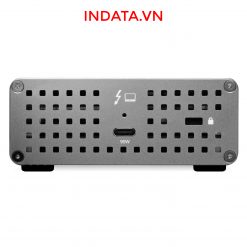
J. (1) Security Slot
Keep your dock from walking off. Keep it locked, secure, and safe.
K. Built like a tank
The “go anywhere” rugged-design handles your adventures on-the-road, in the office, and at home.


Keep your notebook and tablet ready for mobile use with the Thunderbolt Go Dock’s dedicated 90W power delivery Thunderbolt host port. You can also keep devices powered/charging on the other two Thunderbolt and four USB ports. Whether you’re taking a break or are done for the day, the Thunderbolt Go Dock continues to power and/or charge connected devices.

Many of today’s computers and tablets either don’t provide a network port (ugh…slow low-quality Wi-Fi) or feature the older 1Gb/s standard. Now you can transfer, copy, and/or edit files and work up to 2.5x faster over wired networks and enjoy increased productivity in an IP-based workflow with the Thunderbolt Go Dock’s 2.5Gb/s Ethernet port. Or, connect to a NAS for faster data access, backup, and 4K video streaming and editing.4
With MDM compatibility, OWC Docks make Mobile Device Management a breeze. Remote manage Go Dock empowered workstations across your organization. Other docks without MDM just don’t cut it.


Another “one less thing to carry” benefit for you is the built-in SD card reader. Video footage and photos are a part of daily life, and the Thunderbolt Go Dock lets you ingest your creative content conveniently fast. You can also use the reader like an external drive and store or backup files at will.

Transform a single Thunderbolt into dual Thunderbolt ports with the OWC Thunderbolt Go Dock. Take advantage of extra Thunderbolt ports to connect multiple Thunderbolt / USB-C drives, devices and SSDs to experience the fastest speed your devices can deliver. Utilize multiple daisy-chains to connect even more with your Go Dock empowered workflow.


Having a built-in power supply with your Thunderbolt Go Dock keeps your life simple. With one less power brick in your desktop setup, there’s less clutter for cleaner cable management. When mobile with another dock, if you lost its power brick, you are dead in the water. If you happen to misplace the Thunderbolt Go Dock’s standard and common 2-prong “figure 8” power cord, you likely already have one you can “borrow” from another device or can easily stop in at a local store for a replacement and keep working.

![[Flash Sale] DAS OWC Mercury Elite Pro Quad, RAID, USB 3.1 gen2, 4 khay ổ cứng](https://indata.vn/wp-content/uploads/2023/04/Raid-version-247x247.jpg)
![Alternative view of [Flash Sale] DAS OWC Mercury Elite Pro Quad, RAID, USB 3.1 gen2, 4 khay ổ cứng](https://indata.vn/wp-content/uploads/2023/04/owc-mercury-elite-pro-quad-rear-247x247.jpg)
![Alternative view of [Flash Sale] DAS OWC ThunderBay 4, Thunderbolt 3 40Gbps, 4 khay ổ cứng](https://indata.vn/wp-content/uploads/2023/04/thunderbay-4-thunderbolt-3-rear-247x247.jpg)
Đánh giá
Chưa có đánh giá nào.